Open Your royal2000 Account in Seconds
Your slots, live tables, and sportsbook sit behind one login. Enter your credentials, tap confirm, and the full royal2000 lobby loads on whatever device you're holding — phone on the bus in Makassar or laptop at home.
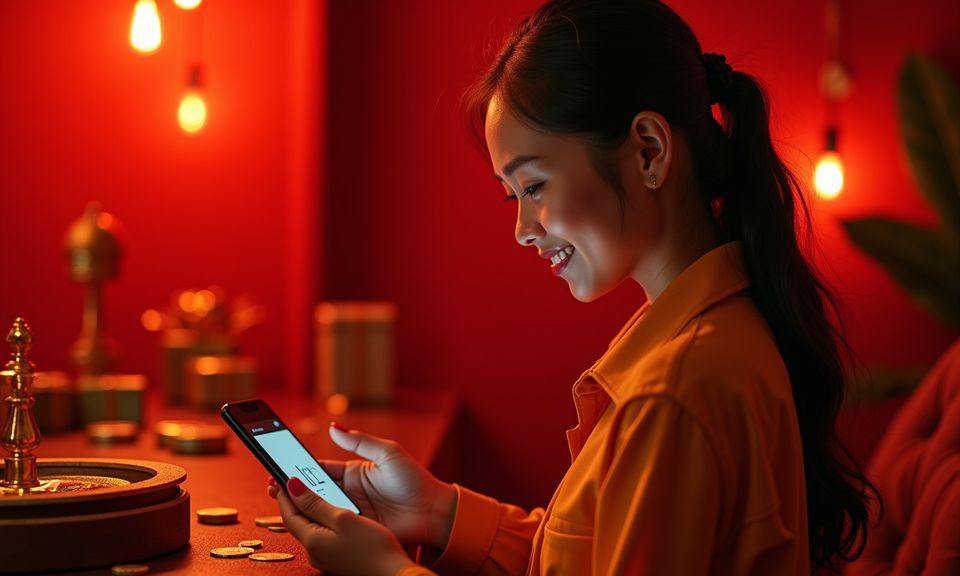
Switch to Your E-Wallet After Login
Once your royal2000 session is active, the deposit panel sits right inside your account dashboard. Pick your e-wallet, enter the amount, and confirm with your PIN on the payment app. Funds reflect in your lobby wallet fast — no manual bank transfer codes to copy. We keep the flow short because you came here to play, not to fill forms. GoPay QR scanning works too if you prefer that route. Availability depends on local law and eligible regions.
Explore How We Protect Your Login
Your royal2000 account sits behind multiple security layers designed to stop unauthorised access before it reaches your wallet or personal data. We treat login protection as the foundation — not an afterthought. Every session token expires after inactivity, every password attempt is rate-limited, and every suspicious device triggers additional verification. Here's how we keep your account locked to you and only you.
Password Hashing
We never store your password in plain text. It's hashed with a one-way algorithm before it touches our database, meaning even a data breach wouldn't expose your actual credentials. You're the only person who knows your password.
OTP Verification
Each login from a new device or browser requires a one-time code sent to your registered phone. This blocks anyone who somehow knows your password but doesn't hold your physical phone. Quick to confirm, hard to bypass.
Session Expiry
Inactive sessions close automatically after a set period. If you walk away from your laptop or lose your phone, the session won't stay open indefinitely. You'll need to re-authenticate, which protects your balance if someone else picks up the device.
Rate-Limited Attempts
Too many wrong password entries lock the login temporarily. This stops brute-force attacks cold — automated bots can't cycle through thousands of guesses. After the cooldown, you can try again or use the reset flow.
Device Recognition
We track which devices you normally log in from. A login from a device we haven't seen before triggers extra verification steps. Familiar devices get through faster because the system already knows them.
Encrypted Connections
Every login page and account dashboard loads over encrypted channels. Your credentials travel from your browser to our servers without exposure to middlemen. This applies whether you're on home WiFi or public mobile data in a cafe.
Browse What Happens After You Log In
When you hit the login button on royal2000, the system checks your phone number or email against your stored credentials. A short verification step confirms your identity — either your password or an OTP sent to your registered number. Once confirmed, the lobby opens immediately with your wallet balance visible at the top of the
screen. Your recent games appear in a quick-access row so you can jump back into Aviator, Fortune Fishing Game, or whichever session you left. If this is your first time, creating an account takes one form: phone number, password, currency. No long questionnaires. Your profile links directly to DANA, OVO, or GoPay for deposits once
you verify your e-wallet inside account settings. The whole login-to-lobby path is built for mobile screens first because that's how most of you connect. Landscape mode on tablet works too, but the interface prioritises portrait thumb-reach. If you forget your password, the reset flow sends a code to your registered number within moments. No email
chains, no waiting.
-
Quick Verified Entry Your phone number and a one-time code get you back in without memorising complex passwords. The OTP arrives to your registered number, you tap it, and the lobby loads. Simple enough to do one-handed on a crowded angkot.
-
Encrypted Account Data Every login session runs through encrypted channels so your credentials and wallet balance stay protected. We store passwords in hashed form — even our own team cannot read them. Your personal data stays between you and your account.
-
Instant Lobby After Login No loading screens, no secondary confirmations. Once your credentials clear, the full game lobby appears with your balance, recent sessions, and deposit options visible. Aviator crash rounds and live baccarat tables are one tap away.
-
Round-the-Clock Help Locked out at 3 AM before a Liga 1 late kickoff? Our support channel stays open so you can recover access or reset your password whenever the issue hits. No business-hours-only frustration here.
Your details are encrypted for secure account access.
Check Common Login Questions Here
These are the login questions our support team fields most often. If your specific situation isn't covered, the live chat and WhatsApp paths above can handle it directly.